

Official CUDA examples
The flox/cuda-samples repository is a fork of theNVIDIA/cuda-samples repository, and contains a variety of small projects demonstrating different
aspects and capabilities of the CUDA Toolkit.
We’ve added a Flox environment on the flox-env branch that contains the dependencies for all
examples in this repository.
If you already have Flox installed, getting up and running is very easy:
nvcc you would run flox install flox-cuda/cudaPackages.cuda_nvcc.
Furthermore, since each Flox environment is scoped to a particular directory, you can have
projects in different directories on your system that use and install completely different
versions of the CUDA Toolkit with no problems at all.
Let’s pick one of the examples and build it.
HSOpticalFlow example
Navigate to theSamples/5_Domain_Specific/HSOpticalFlow directory.
This example runs headless in your terminal, but don’t worry, we’ll get to some nice visuals in a moment.
First let’s build the example (note that make -j8 builds the example with 8 jobs, but you may want
more or less depending on how many CPU cores are available on your machine):
- Flox doesn’t run natively on Windows (only through WSL2), so the dependencies for the native Windows examples are skipped.
- The NvSci example is skipped because NvSci functionality is only included in NVIDIA Drive OS distributions of the CUDA Toolkit.
git clone and flox activate and you’re up and running.
If you’d like to explore some of the other examples, the mkdir build && ... command is what you’ll
run from inside an example directory the first time you want to build it. Feel free to play around!
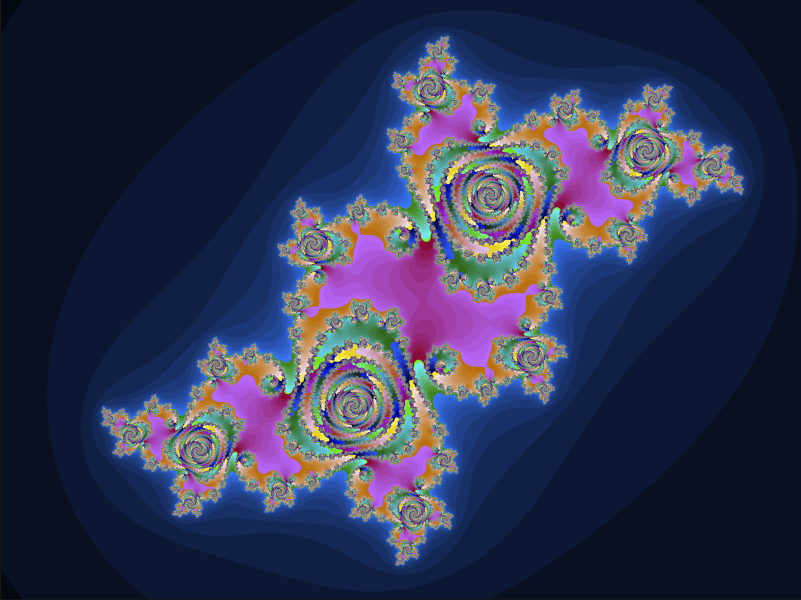
Julia set
Now we’re going to generate a rendering of the Julia set. Navigate toSamples/5_Domain_Specific/Mandelbrot then run the following commands:
J key to switch from the Mandelbrot set to the Julia set, then play around with colors.
Here’s an example of what the output can look like after tweaking some of the parameters.
PyTorch
Not only can you build against the CUDA Toolkit itself, but with Flox any package that depends on CUDA can be installed with CUDA acceleration automatically enabled. To demonstrate this, we’ll build and run an example from the PyTorch examples repository, and this time we’ll build the environment from scratch to see how easy it is. Clone the PyTorch repository, navigate to themnist example, and create a Flox environment in it: